Online Keyholding and Apps: How Remote Keyholding Works
Online keyholding is chastity control handled remotely, where the keyholder sets and enforces the rules through messages or an app instead of holding a physical key. It runs on proof of lock-up, clear agreements, and trust, and it needs the same emergency planning as any in-person arrangement.
Online keyholding is chastity control handled at a distance. The keyholder still decides when release happens and still sets and holds the rules, but does it through messages or an app rather than by pocketing a physical key. It is one of the most common shapes the role takes, because what actually changes hands is authority, and authority travels over the internet without any trouble. If the role itself is new to you, what a keyholder is covers the ground this guide builds on.
How online keyholding works
In a remote arrangement the wearer usually keeps their own device and key, or a lock that opens with a code. Control comes from the agreement between the two people, not from who is physically holding metal. The keyholder gives direction, sets release conditions, and expects the wearer to be honest about staying locked. Everything runs on messages, calls, and whatever rhythm of contact you settle on.
Because it happens at a distance, online keyholding overlaps heavily with long-distance dynamics between partners who live apart. The timing, proof, and trust questions are much the same, and they are worth reading in full in long-distance keyholding and long-distance chastity rules.
What keyholding apps do
A keyholding app is just a tool for managing release, and there are several general kinds. Timer apps hold the wearer locked until a set date, sometimes shown and sometimes hidden. Random-release apps hand the timing to chance within limits both people set, so neither knows the exact unlock moment. Code apps let a keyholder store or generate the combination the wearer needs, releasing it when they choose. Many also carry task reminders, check-in prompts, and simple logs of how long a lock has run.
The appeal is structure: the app remembers the rules so the keyholder does not have to, and it adds a spark of the unknown. The catch is that an app is only ever software. It can break, lose data, or fail to deliver a code, so it should sit on top of a human agreement rather than stand in for one. Treat any app as the tool, and treat the people using it as the actual arrangement.
Proving lock-up remotely
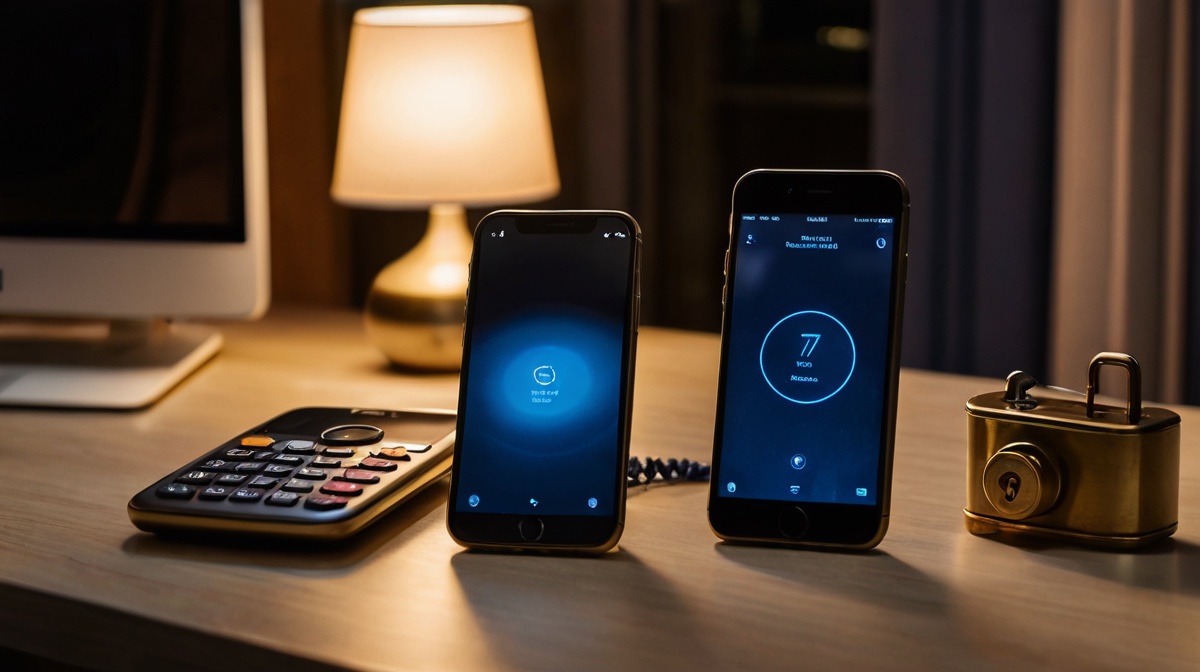
Since the keyholder is not there to see the device, remote dynamics run on proof and honesty. Common methods are simple: a photo sent on request, a timestamped check-in message, or a short daily ritual confirming the wearer is still locked. Some couples agree on small details in a photo that would be hard to fake, or on check-ins at unpredictable times.
None of this is truly foolproof, and it is not meant to be. Proof lowers the temptation and keeps the game honest, but the foundation underneath it is trust. If the wearer wanted to cheat they usually could, so the real point is a shared commitment to playing straight, backed by enough proof to make the dynamic feel solid for both people.
Keeping it active and building trust

The main enemy of a remote arrangement is drift. Without a shared roof and a physical key, it is easy for contact to thin out until the whole thing quietly fades. A steady rhythm is what prevents that: regular check-ins, small rituals, and a keyholder who stays present rather than vanishing for weeks. The habits that make this work are the same ones set out in how to be a good keyholder.
Trust is built slowly and best started light. A short first arrangement with modest rules lets both people learn whether the other is reliable before anything longer. If you are still looking for the right person, how to find a keyholder and the personals board are good starting points.
Staying safe at a distance
Distance makes the emergency plan more important, not less. The keyholder cannot rush over with a key, so the wearer must always have their own route out: a sealed spare within reach, or a trusted local person who can help. Agree in advance what happens if the app fails or the keyholder goes silent for too long, and treat using the emergency unlock in a genuine crisis as sensible rather than disloyal.
Vetting matters more online, too, because you are trusting someone you may never meet. Take your time, watch how they handle a small no, and be wary of anyone who rushes you or asks for money as proof of commitment. The safety guide on vetting an online keyholder walks through the warning signs, and the community forum is full of people comparing notes on doing this well.
Questions people ask
How does online keyholding work?
The wearer usually keeps their own device and key, or a lock that opens with a code, while the keyholder directs release through messages or an app. Control comes from the agreement between the two people, backed by proof of lock-up and regular check-ins.
Do keyholding apps really keep you locked?
An app manages timers, random release dates, or codes, but the device and the wearer's honesty do the actual work. Treat any app as a tool that sits on top of a human agreement, never as a replacement for one, because software can break.
Is online keyholding safe?
It can be, with the same care as any arrangement. The wearer must keep a guaranteed emergency route out, both people should agree what happens if contact drops, and vetting a stranger matters even more when you may never meet in person.
Take it past the reading
Guides give you the shape of it. People give you the rest. Find others who are open about keyholding and looking for the same arrangement.
Find a keyholder →